Frequent price changes
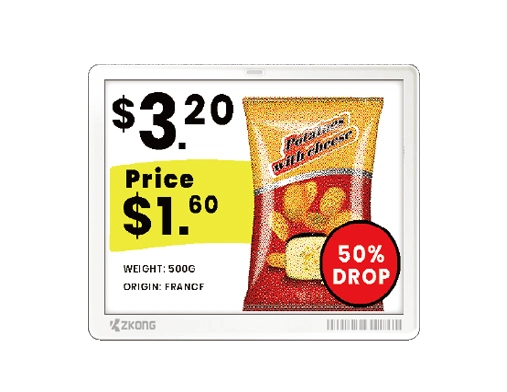
Publish exchange-rate, competitor, stock and campaign-driven changes by product and store.


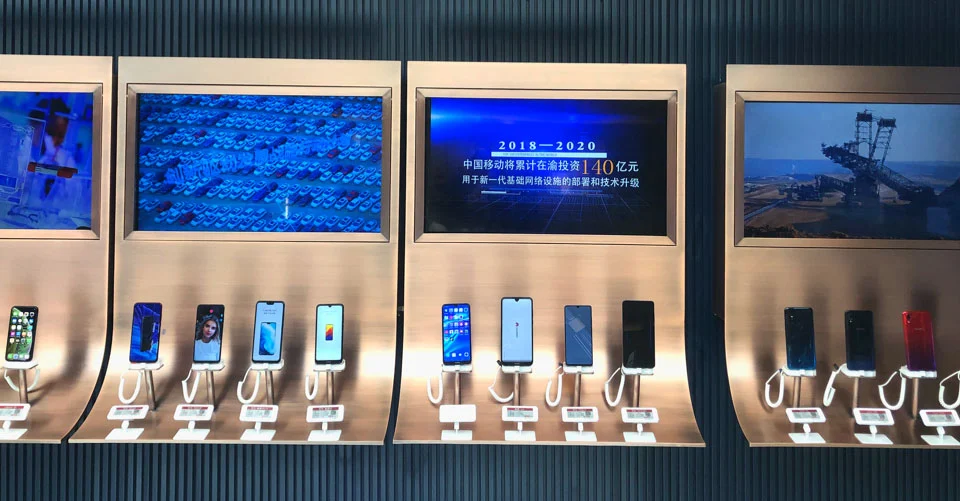
Move frequently changing prices, product variants and comparison details to shelf displays quickly, creating a more consistent journey across store, online channel and checkout.
Models, capacity, connectivity and promotions change quickly. ESLs and digital displays create a standardized, current information layer that supports sales advisors.
Publish exchange-rate, competitor, stock and campaign-driven changes by product and store.
Move size, capacity, compatibility and key features into consistent, readable templates.
Manage store prices and product information from the same source used by online and checkout systems.
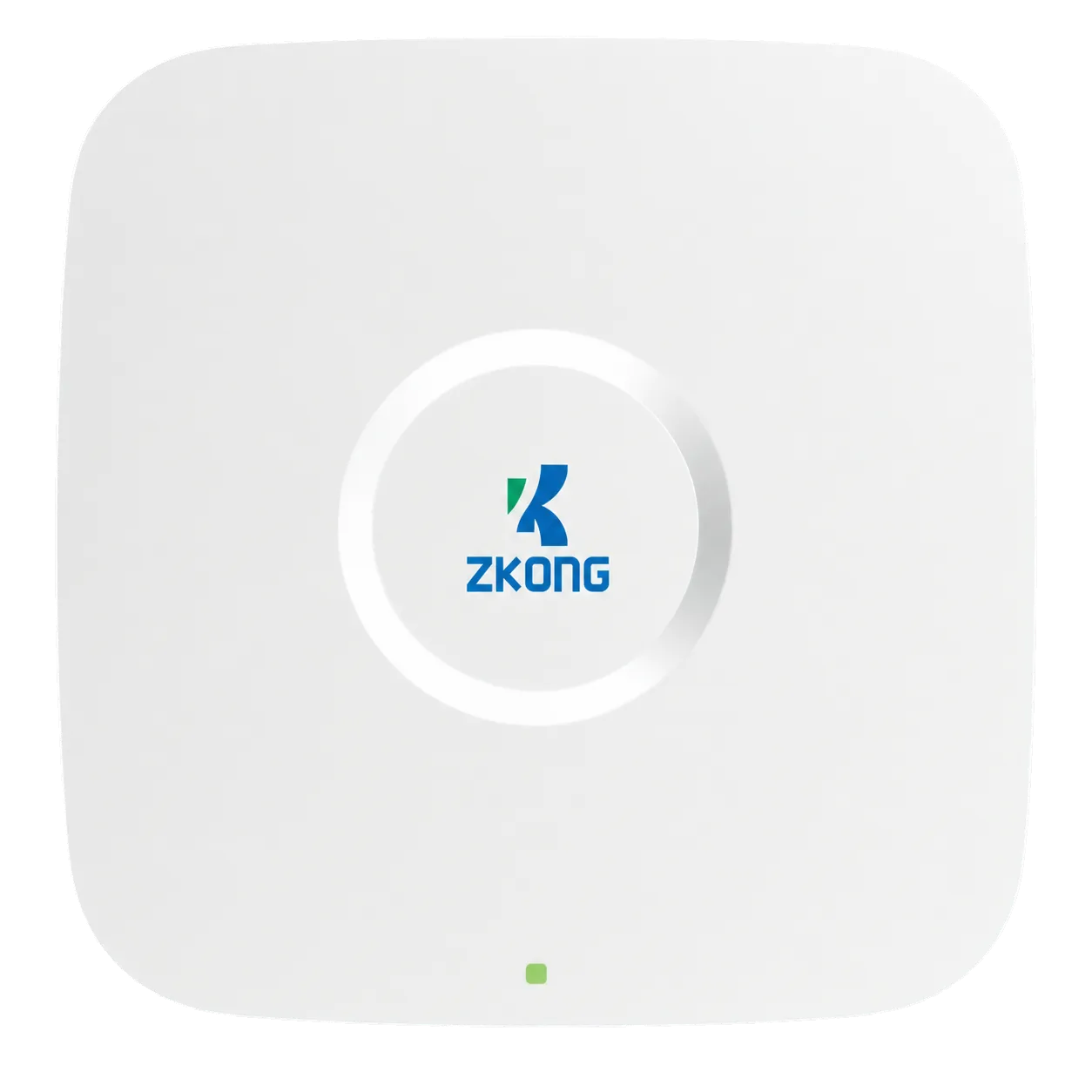
Existing product data is matched with templates in ZKONG Cloud; the in-store or on-site access point delivers each update to the correct label.
POS · ERP · WMS · API · XLS
Template, device and location management
Wireless on-site communication
The right content at the right point
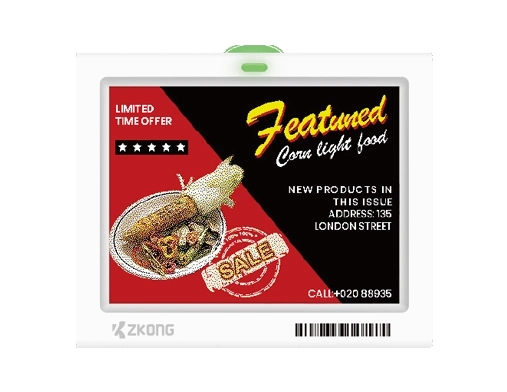
Small price labels, large e-paper screens and full-color LCDs can be combined by product category.
Show capacity, display, energy, connectivity and warranty criteria alongside price.
Make color, storage, model and package differences visible to shoppers and advisors.
Schedule instalment, bundle, markdown and seasonal campaign content.
Link to product videos, manuals, availability or detailed product pages.
Pair each label with the correct display product to reduce model and price confusion.
Use Legendary and Sparkle for comparison tables, brand campaigns and motion content.
The final model depends on display size, information density, environmental conditions and mounting surface. These products are strong starting points for this industry.
Compare all products ↗Define information and display needs across phones, computers, TVs and appliances.
Build category templates for specifications, price, promotion and brand hierarchy.
Connect SKU, variant and display location correctly with your product system.
Scale validated coverage, mounting and content standards to each store.
Changing product and campaign data is presented in a consistent structure.
Shelf, online and checkout use the same source data.
QR, multi-page templates and color screens provide more decision support.
Price and promotion changes are scheduled by product group.
Clear answers to the technical and operational questions that matter when defining model, infrastructure and integration scope.
A single master price source is selected for web, checkout and shelf. Changes flow from that source to ZKONG Cloud and the correct SKU-to-label binding. The project defines campaign timing, store variations, failed-publish alerts and shelf-to-checkout control so the ESL never becomes a separate price source.
Suitable ESLs can support automatic or rule-based page switching. The browser-based ZKONG Cloud editor can design price, promotion, specification, inventory, QR and multilingual fields. Page count and switching behavior are verified by model, with the most important customer information kept on the first page.
EPD/e-paper retains static price and specification content without continuous power and is ideal for low-consumption shelf information. Sparkle or Legendary LCD is used where full-color imagery, motion campaigns or model-dependent video are required, with continuous power and Wi‑Fi planned. Small ESLs, large e-paper and LCD can coexist in one Cloud environment.
Installation binds each device identity to the correct SKU and physical display location using barcode/serial scanning and pilot checks. When the showroom changes, the binding is updated in the platform; task and device records help identify incomplete or incorrect updates.
If the source system contains date, time and store rules, scheduled publishing can be configured. Templates can show regular price, promotional price, validity or bundle messages. Conflicting campaigns, time zones and return-price rules must be tested during the pilot.
ZKONG Cloud supports staff accounts and permission settings. Head-office, regional and store roles can separate price-source, template, binding and view-only privileges. ZKONG documentation also describes encryption, authentication, access control, monitoring and journals as platform security components.
Yes. Additional devices can join the same environment when access-point coverage, license capacity, platform version and model compatibility are sufficient. Power/Wi‑Fi is checked for LCDs, wireless coverage and mounting for ESL zones, without adding unnecessary infrastructure.
Build a starting package around in-store product count and specification needs, then add integration when required.